





A digital adoption platform helps employees learn and use software by providing in-app guidance, workflow support, and adoption insights. This definition excludes legacy learning systems where users have to go outside of their workflow to view content; it also excludes analytics platforms that solely measure adoption rates without the ability to trigger contextual guidance to improve it.
Digital adoption platforms come in a variety of flavors; for example, some platforms focus on automating the capture of business processes to create in-app training guides with minimal effort, while others focus on the ability to send hyper-personalized in-app, in-email, and push notification messaging without the need for development resources.
A digital adoption platform can also focus on the ability to capture insights on product adoption so business outcomes can be clearly tied to it.
We narrowed the market down to the top 6 digital adoption platforms based on the following criteria:
- In-app guidance
- adoption analytics
- AI and process automation for enterprise
- ease of deployment
- multi-app support
Below, we will review the best digital adoption platforms.
Top 6 Digital Adoption Platforms
Digital adoption platforms have evolved from simple tooltips into full systems that combine in-app guidance, analytics, and AI automation.
Leading ones now include no-code workflows, multi-app overlays, and real-time adaptive onboarding.
Although core features are becoming similar, the real differences come down to fast deployment, AI quality, and scaling across fragmented software without heavy custom work.
Here are the six top platforms today — each excelling in its own way.
Tango
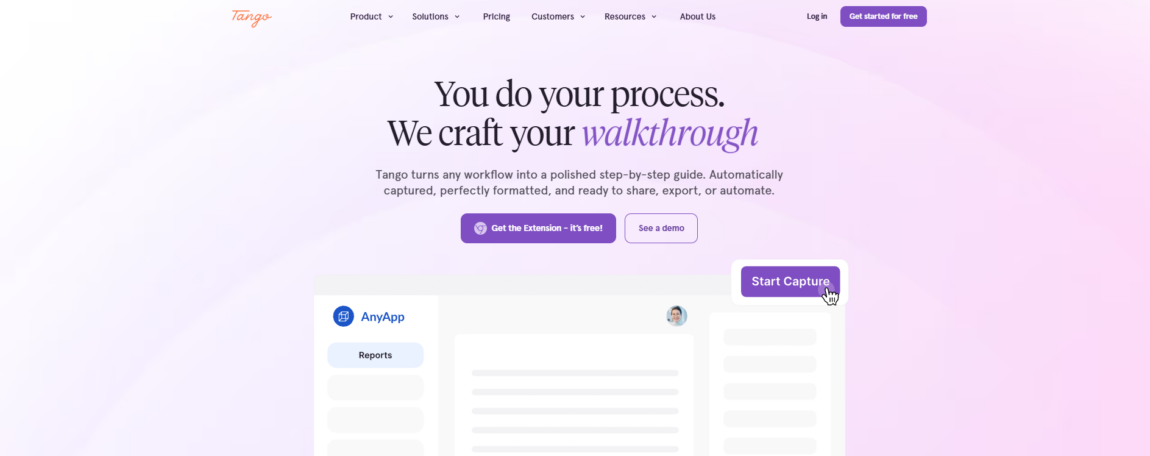
Tango is a digital adoption platform that helps organizations document workflows, standardize processes, and support software adoption across CRM, ERP, and HRIS systems.
Teams complete a workflow once, and Tango automatically converts it into a step-by-step guide with screenshots, descriptions, and formatting ready for sharing, exporting, embedding, or automation. Because the platform works through a browser extension, it requires no integrations or API setup.
Built-in sensitive-data protection helps organizations document processes safely, while guiding sharing, in-app guidance, workflow automation, and adoption analytics help employees learn and follow processes more consistently.
Tango is particularly well-suited for software rollouts involving Salesforce, Oracle, NetSuite, Workday, and other enterprise applications. A free tier is available for small teams, while paid plans support larger organizations with additional automation and enterprise features.
Pros:
- Fast deployment with no integrations or API setup required
- Supports branching workflows and conditional process paths
- Works across Salesforce, Oracle, NetSuite, HRIS, and other business systems
Cons:
- Desktop application support is less mature than browser-based workflows
- Limited standalone video export capabilities
- Some enterprise features require higher-tier plans
Why Choose This Platform?
Tango is a strong choice for IT and operations teams that need to improve software adoption without spending significant time creating and maintaining documentation.
By combining workflow documentation, in-app guidance, analytics, and automation, the platform helps organizations support employees during enterprise software rollouts and standardize processes across teams.
Pendo
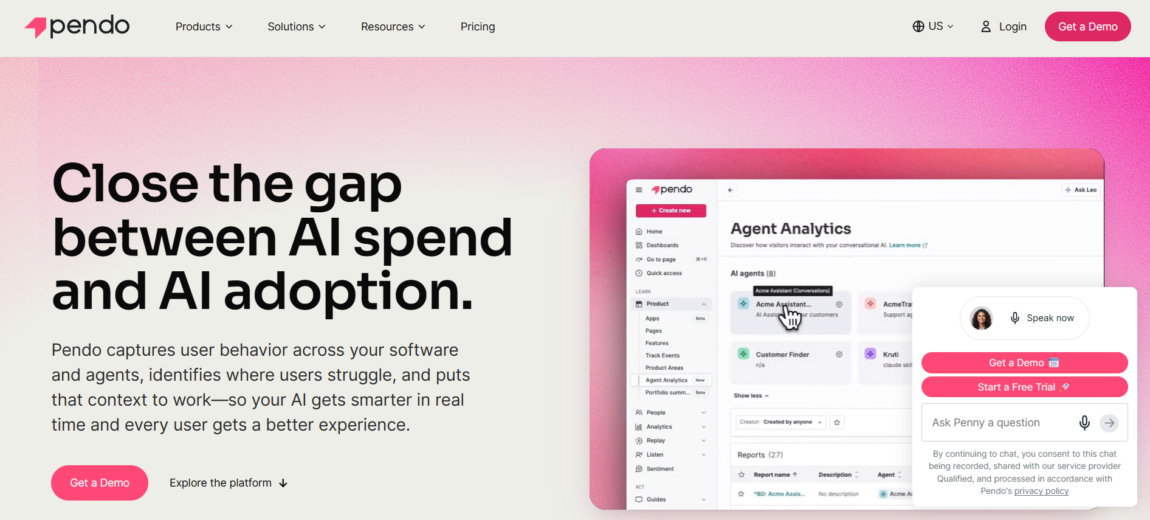
Pendo connects behavioral data across all the products and agents you use. It measures whether they’re actually moving the needle on the outcomes you care about.
Since its founding in 2013, the platform has focused on linking usage intelligence to real business results — bridging the gap between AI investment and actual adoption. You don’t need a data science team to make it work.
It combines analytics, in-app guidance, session replay, and surveys into one dashboard that clearly shows which features drive adoption and revenue. Journey orchestration and sentiment analysis add predictive insights, while integrations with Jira, Salesforce, and AI tools like Claude and ChatGPT keep everything flowing. Enterprise compliance is covered, too.
Pros:
- Powerful product and adoption analytics
- Strong user behavior and engagement insights
- Effective in-app onboarding and guidance capabilities
Cons:
- Less focused on knowledge management and SOP creation
- Advanced reporting can require dedicated platform ownership
Why Choose This Platform?
IT leaders choose Pendo when the bottleneck isn’t creating guides or automating workflows—it’s proving that digital adoption investments actually move the needle. The platform answers “which features drive revenue?” and “where do users get stuck?” without requiring a data science hire or months of instrumentation work.
If your executive team demands ROI proof before expanding digital adoption budgets, Pendo delivers the evidence layer that other platforms treat as an afterthought.
Stonly
Stonly takes a different angle. It’s designed as a knowledge platform that helps customer service teams deliver quicker, more effective support through self-service options.
You get interactive guides, tours, and solid knowledge base management — great for reducing ticket volume. But it’s not as strong for IT teams rolling out multi-app workflows or deep adoption tracking.
The AI chatbot and agent tools help deflect common questions, though the overall feature set doesn’t match the automation and analytics depth of bigger players. Overall, it’s a good fit for organizations where support efficiency matters most.
Pros:
- Interactive decision trees and guided troubleshooting
- Strong self-service and support use cases
- Easy-to-create knowledge experiences
Cons:
- More customer support-focused than software adoption-focused
- Limited analytics compared to dedicated digital adoption platforms
Why Choose This Platform?
Stonly makes sense when your primary goal is deflecting support tickets, not driving adoption of internal business applications. Customer success teams get guide analytics to see which content performs, and the agent assists with AI feature surfaces relevant articles during live chats.
If your bottleneck is support queue length rather than software utilization, Stonly delivers measurable ticket reduction. For IT leaders rolling out SAP, Salesforce, or Workday, though, the platform lacks the workflow automation and cross-app intelligence that justify digital adoption platform investment.
Whatfix
Whatfix pioneered Userization — the approach of making technology fit users rather than forcing users to adjust. Founded in 2013, the platform mixes AI guidance, simulations, and usage analytics to improve adoption and ROI across enterprise tools.
It helps IT leaders fix low adoption issues by delivering support directly inside applications. Employees can practice workflows safely through in-app simulations before working with live data.
The company has earned top marks, including G2’s #1 DAP ranking in Spring 2026 and Gartner Customers’ Choice for three years. With major clients like Microsoft and Cisco, plus solid funding and a large team, Whatfix stands out for turning software into actual business value through continuous insights.
Pros:
- Excellent employee onboarding and software adoption features
- Strong support for ERP, CRM, and enterprise applications
- Combines guidance, self-service support, and analytics
Cons:
- Requires ongoing content maintenance
- Advanced features may take time to configure effectively
Why Choose This Platform?
Whatfix fits IT and operations leaders who’ve already invested heavily in enterprise software but struggle to prove ROI because users avoid or misuse the tools. The platform’s strength isn’t replacing your tech stack—it’s making your existing stack finally work at scale.
Organizations planning multi-year digital transformation initiatives need the simulation training and usage intelligence layers to derisk each phase and course-correct before adoption craters.
WalkMe
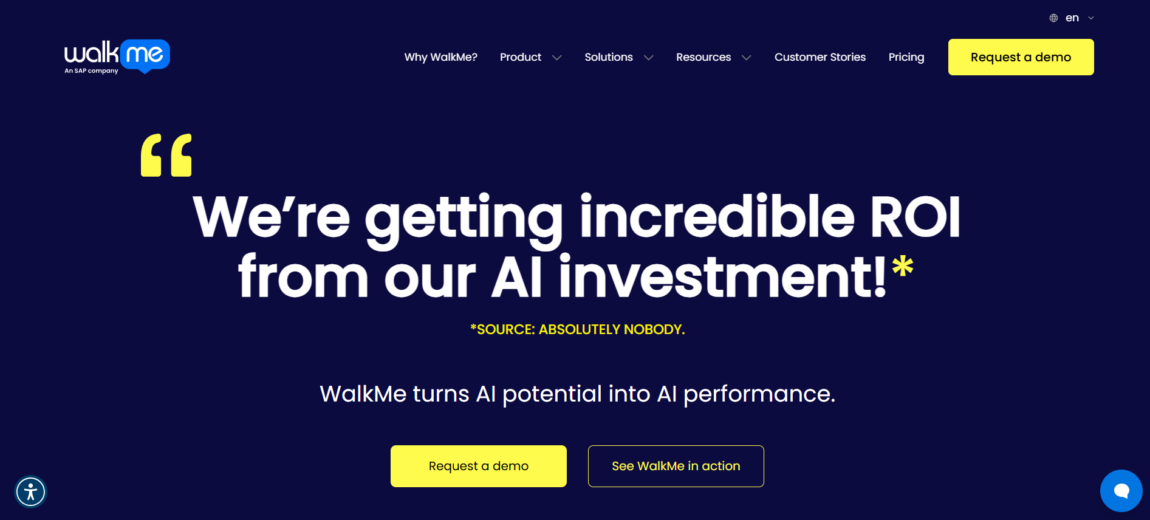
WalkMe, founded in 2011, pioneered digital adoption and remains a top choice for IT leaders who need to prove real AI ROI across large enterprise systems.
It overlays applications with real-time guidance, cross-app workflows, and automation, turning disconnected tools into one unified layer. Its UI Intelligence spots friction automatically, while workflow tools and analytics turn insights into results.
What sets it apart is enterprise orchestration. WalkMe gives AI the cross-system reach that standalone tools can’t match, enabling seamless multi-app processes—like onboarding across HRIS, CRM, and ticketing—without custom integrations.
It’s FedRAMP Ready with US and EU cloud options and has earned the 2025 Gold Globee Award for Best AI Integration, plus repeated Gartner Leader status.
Pros:
- Enterprise-grade digital adoption platform with robust in-app guidance
- Strong workflow automation and change management capabilities
- Detailed adoption, usage, and workflow analytics
Cons:
- Complex implementation and administration
- Premium pricing can be difficult for smaller organizations
Why Choose This Platform?
Choose WalkMe if proving AI ROI across a broad application portfolio is your main bottleneck.
Its analytics connect user behavior to revenue and efficiency metrics, often delivering 494% ROI by revealing which workflows succeed and which slow teams down.
The platform is ideal for complex, multi-system environments like Epic + Workday in healthcare or core banking + CRM in finance. It may be overkill for single apps, but it’s vital infrastructure when software adoption directly impacts business results.
Appcues
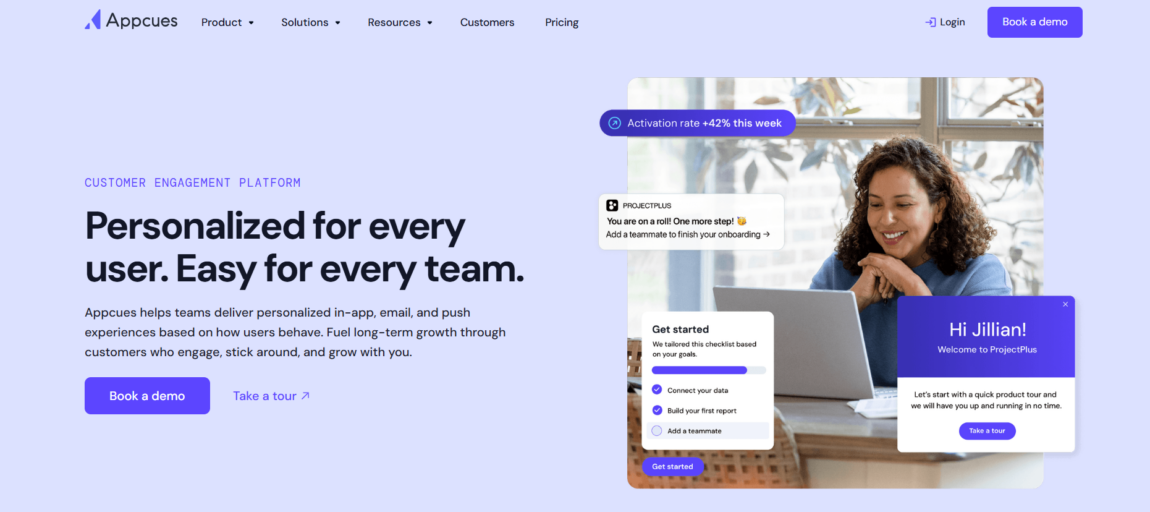
Appcues launched in 2013 with a clear focus: deliver personalized experiences for users while keeping things simple for teams.
The platform connects in-app guidance with email and push notifications. It relies on actual user data to improve adoption rates, and it does all this without needing developer support. That’s a game-changer for IT leaders stuck with dev bottlenecks. No code equals no delays.
Its AI engine constantly learns what users need and delivers it across every channel. It improves automatically, so your team stays focused on strategy rather than getting buried in execution.
Cross-channel orchestration is another strong point. Onboarding doesn’t stop at the app — emails and push messages extend the experience naturally. Meanwhile, analytics highlight which nudges are effective and which need work, letting the AI refine itself without extra manual effort.
Pros:
- Easy-to-build onboarding and feature adoption experiences
- Strong personalization and behavioral targeting
- No-code implementation for product teams
Cons:
- Designed primarily for SaaS products rather than enterprise rollouts
- Limited documentation and knowledge management capabilities
Why Choose This Platform?
Choose Appcues when your bottleneck is developer capacity, not product vision. Teams that know what users need but can’t wait weeks for engineering sprints get immediate deployment power. The AI layer means your first campaign isn’t your last—it evolves as user behavior shifts, closing the gap between intent and execution without constant manual tweaking.
Conclusion
Selecting a digital adoption platform depends on your specific adoption bottleneck. Tango addresses documentation speed, while Pendo focuses on usage analytics and ROI measurement. Whatfix and WalkMe excel at enterprise-scale guidance and cross-app workflow orchestration, whereas Appcues suits teams with limited developer resources. Stonly is best positioned for customer support scenarios rather than internal IT adoption initiatives.
Evaluate platforms based on your primary metric—whether that is time-to-proficiency, support ticket reduction, feature adoption rates, or ROI validation. Consider your technical resources, implementation timeline, and the complexity of your software stack.
Most vendors offer demos or trials, which allow you to test integration quality and guidance effectiveness before committing. The right platform will reduce software underutilization and turn adoption into a measurable business outcome.




More Stories
4 Leading GEO Platforms for Building AI Citations and Trusted Sources
Which QR Code Generator Fits Your Marketing Strategy? 7 Tools Compared
7 AI Therapy Apps Trusted by an Expert