





Field sales in CPG rarely look the way it is described in process diagrams.
A visit can start with one intention and shift within minutes. A rep walks in to check inventory, then ends up discussing a recent delivery, noticing changes on the shelf, adjusting quantities, and answering questions from the store manager. All of it happens at once, not in sequence.
This is where things tend to drift apart.
The work itself is continuous, but the tools behind it are often not. One system holds account details. Another is used for orders. Notes are stored somewhere else. Even when everything is technically available, it is not always available at the right moment.
Over time, that gap becomes part of the routine. Not because the team is doing something wrong, but because the workflow is spread across places that do not fully connect.
The Part of the Job That Stays Between the Lines
On paper, field sales look organized. Routes are planned. Visits are logged. Orders are recorded. The numbers line up, and the process seems clear. What is harder to capture is what happens inside the visit itself.
Reps rely on small details that are easy to miss in a system. They remember what a manager mentioned last time. They notice patterns that are not written down. They adjust based on what they see in front of them rather than what was expected.
The system is there, but it does not always lead the process. At first, this is manageable. Teams fill in the gaps without thinking much about it. As more accounts are added and the pace increases, those gaps start to take more effort to manage.
That is usually when the tool either becomes part of the workflow or starts to slow it down.
Why the Usual Tools Do Not Always Fit
Many field sales tools are built around a single focus. Some are centered on customer data. Others are designed for order entry. Some focus on tracking activity. Each of them can work well on its own.
The difficulty appears when the same person is responsible for all of it.
Switching between tools is not a major issue at first. It becomes more noticeable when it happens several times during a single visit. Information gets checked in one place, then entered in another. Something that could be done immediately is postponed.
Nothing breaks. The process just becomes heavier. For teams that spend most of their time in stores, this starts to matter more than any specific feature.
1. SimplyDepo
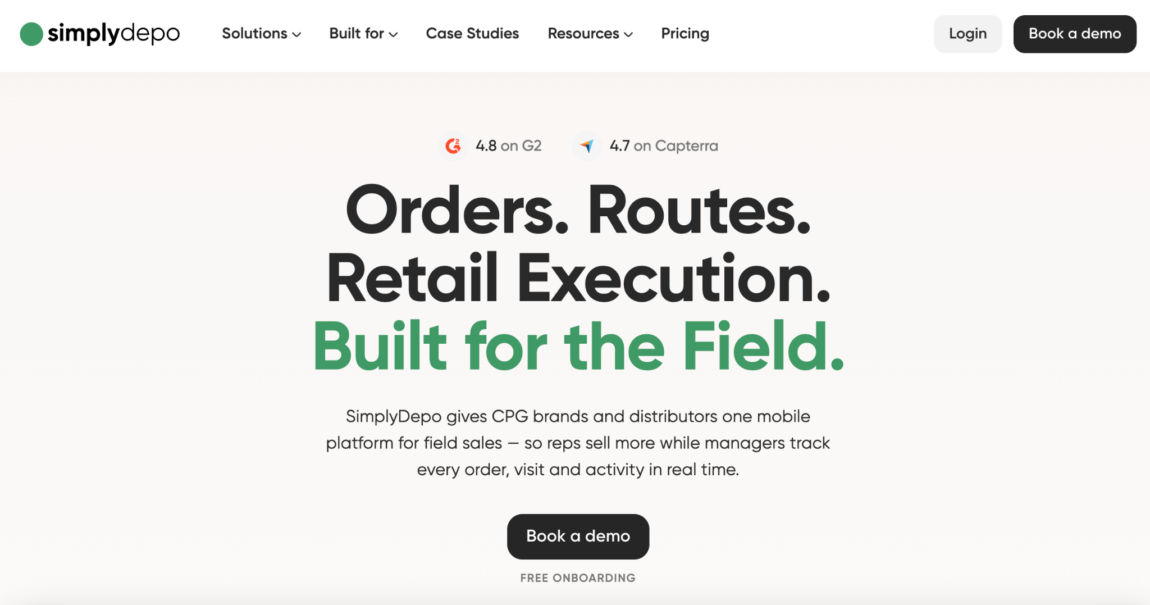
SimplyDepo is built around keeping the entire visit in one place.
Instead of separating tasks, it allows the rep to move through them as they come up. Checking the shelf, placing an order, updating information, all of it happens within the same flow.
The platform includes:
- Order capture with account history and pricing
- In-store audits and reporting
- Route planning and visit tracking
- Delivery workflows and invoicing
- Offline operation with automatic sync
What becomes noticeable after some time is how little needs to be carried over to later.
A rep does not leave the store with a list of things to finish. Most of the work is already completed, while the situation is still clear. That tends to make the day feel more contained and easier to manage.
This setup fits naturally with teams that rely on regular store visits. If most of the work happens elsewhere, the difference is less pronounced.
2. Pepperi
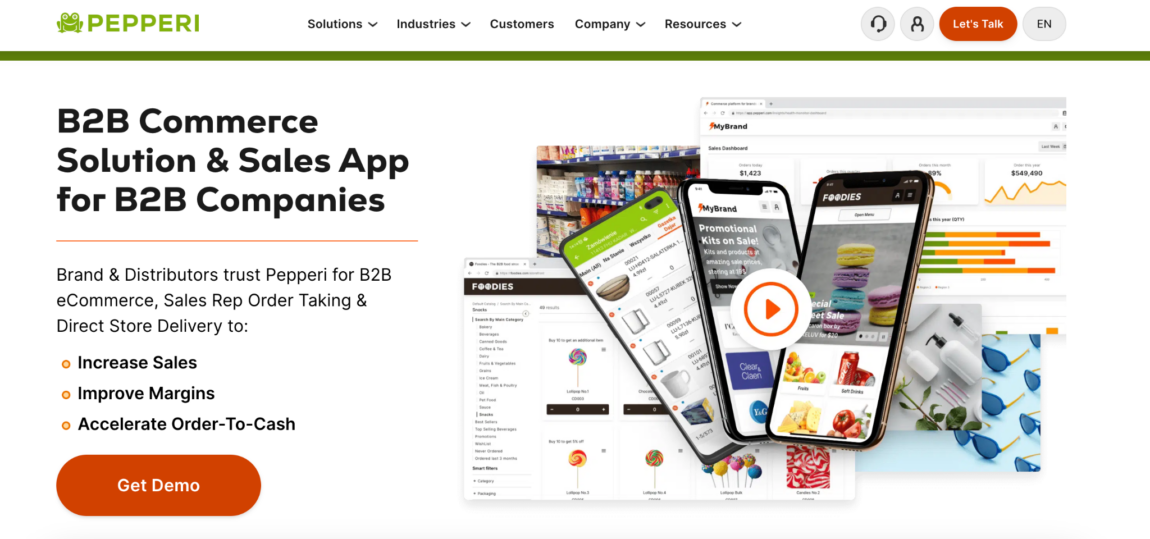
Pepperi takes a more structured route.
It brings product data, pricing, and ordering into a single system that follows a clear logic. This can be helpful when there are many variables involved, and consistency is important.
The platform includes:
- Mobile order taking with full product visibility
- Digital catalogs and pricing management
- Customer-specific configurations
- Integration with internal systems
This creates a predictable way to handle sales across different accounts.
At the same time, it asks for a certain level of structure from the team. When processes are already defined, this works well. When things are still shifting, it can take some time to settle into.
3. Skynamo
Skynamo feels closer to how visits unfold in practice.
The focus is not on guiding every step, but on making it easy to move through the visit without interruption. Information is available when needed, without requiring much navigation.
Its functionality includes:
- Mobile order capture during visits
- Customer and account management
- Offline access to key data
- Route planning and activity tracking
This allows the rep to stay engaged in the conversation rather than the tool.
Over time, that can make a difference in how smoothly visits go. The system supports the process without drawing attention to itself. For teams that value that kind of flow, it tends to feel more natural.
4. Orders in Seconds (OIS)
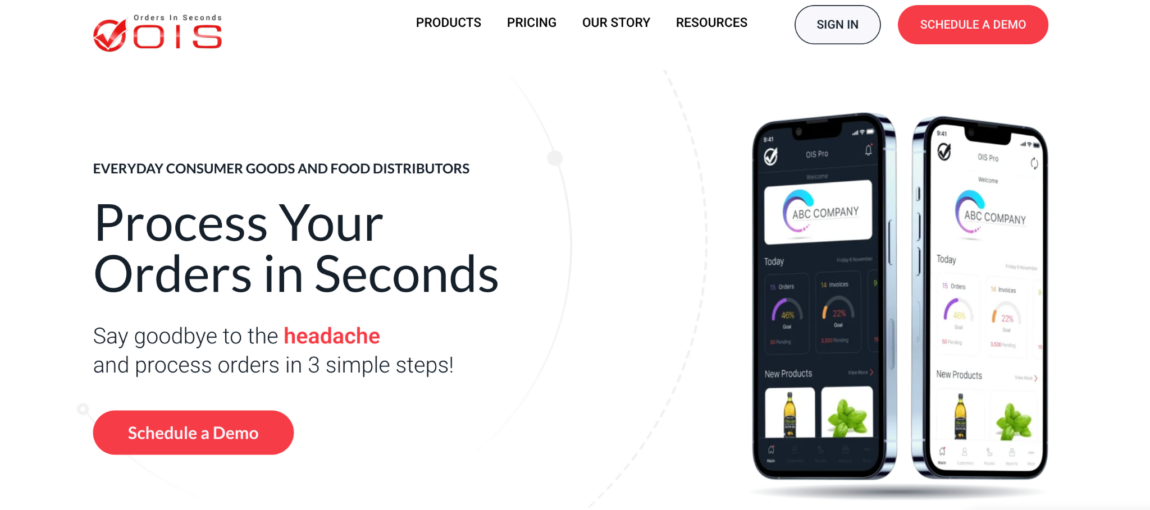
Orders in Seconds is built with a focus on keeping things direct.
The idea is to reduce the distance between noticing a need and completing the order. There are fewer steps involved, which keeps the process moving.
It includes:
- Fast mobile order entry
- Access to customer order history
- Inventory visibility
- Integration with accounting workflows
This approach works well when the volume of orders is high and timing matters.
Instead of collecting information and returning to it later, the rep can finish the task while still in the store. That helps keep the workload from spilling into the rest of the day.
The system is less focused on merchandising details, which means it is most useful when order capture is the main concern.
What Changes When the Tool Matches the Visit
The difference between tools is not always obvious at first. It becomes clearer after a few days in the field. A rep moves through several stores. In one setup, they leave each visit with a few things to handle later. Orders to place, notes to update, details to confirm.
In another setup, most of those tasks are already done before they step out. The work itself has not changed.
What changes is when it gets done and how much of it carries over. That shift tends to affect how steady the process feels over time.
The Small Things That Shape the Day
It is easy to overlook small interruptions. Opening another screen. Checking the same information twice. Writing something down to remember later.
Each of these takes very little time on its own. Over the course of a day, they start to influence how the work feels. Not in a dramatic way, but enough to make the process less predictable.
Teams begin to rely on habits rather than the system. Some things are handled immediately, others are pushed forward. The line between the two is not always clear.
This is where the fit between the tool and the workflow becomes noticeable.
Choosing What Fits the Way the Team Works
There is no single approach that works for everyone. Some teams prefer a more structured system that defines each step. Others are more comfortable with something that adapts as the visit unfolds. Some need detailed data, others need speed.
The decision usually comes down to how the work is actually done. When the tool follows that pattern, it becomes easier to rely on. When it does not, the team ends up working around it.
For CPG teams that spend most of their time in stores, that alignment tends to matter more than anything else.




More Stories
4 Leading GEO Platforms for Building AI Citations and Trusted Sources
Which QR Code Generator Fits Your Marketing Strategy? 7 Tools Compared
7 AI Therapy Apps Trusted by an Expert