





Some documents immediately become a problem when they leave the wrong inbox.
Internal reports, contracts, financial forecasts, onboarding files, legal drafts, investor materials. The moment those PDFs start moving between employees, clients, freelancers, or external partners, companies usually realize how easy it is for documents to lose context.
That is why confidential watermarks became so common. Not because they magically prevent leaks. Mostly because they change how people handle files.
A document with a large “Confidential” overlay feels different psychologically from a clean unmarked PDF. People become more careful forwarding it, saving it, or sharing screenshots. Even lightweight watermarking creates friction, and in many business situations that friction matters more than aggressive DRM systems.
At the same time, companies do not want watermarking workflows that slow everyone down. If adding a confidential overlay takes fifteen minutes every time somebody exports a report, employees eventually stop doing it consistently.
The best tools are usually the ones that make document protection feel routine instead of technical.
Confidential watermarking is more about visibility than security
A lot of businesses misunderstand what confidential watermarks actually do. They are not encryption. They are not full document protection systems. What they really do is create visibility around document status.
That visibility matters because it immediately signals:
- Restricted sharing
- Internal use only
- Draft status
- Sensitive information
- Ownership context
- Approval limitations
The best confidential watermarking workflows usually combine visibility with consistency. Every document follows the same style, placement, and structure so employees instantly recognize protected files.
1. Sejda
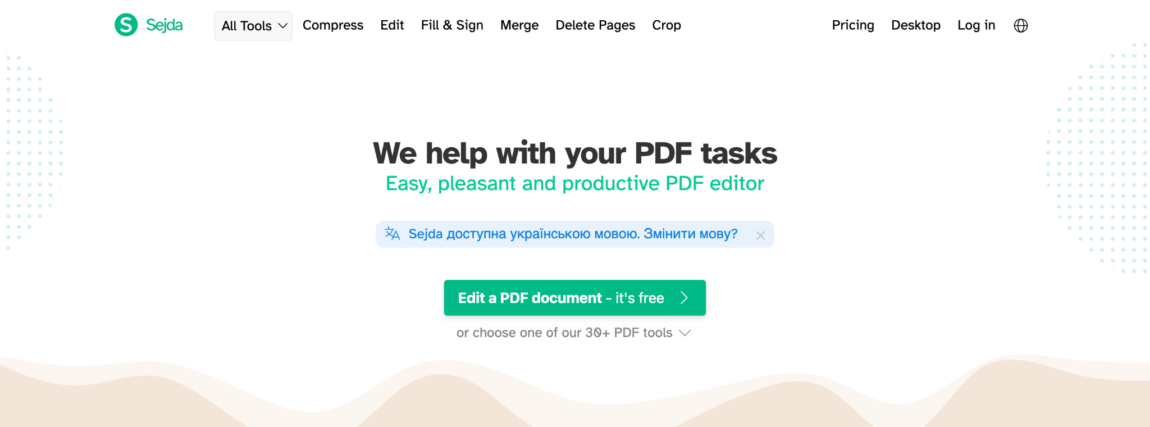
Sejda feels more structured than lightweight browser editors, which works well for companies handling more detailed document workflows.
Some confidential files require more careful placement than simple one-page overlays. Reports with mixed formatting, presentations, contracts, or multi-page legal documents often need more precision.
Sejda includes:
- Flexible positioning
- Custom page ranges
- Text and image support
- Transparency controls
- Layered overlays
Compared to minimalist editors, Sejda definitely gives more control over how confidential markings appear across large documents.
That extra flexibility becomes useful quickly once teams start watermarking reports regularly.
2. Watermarkly
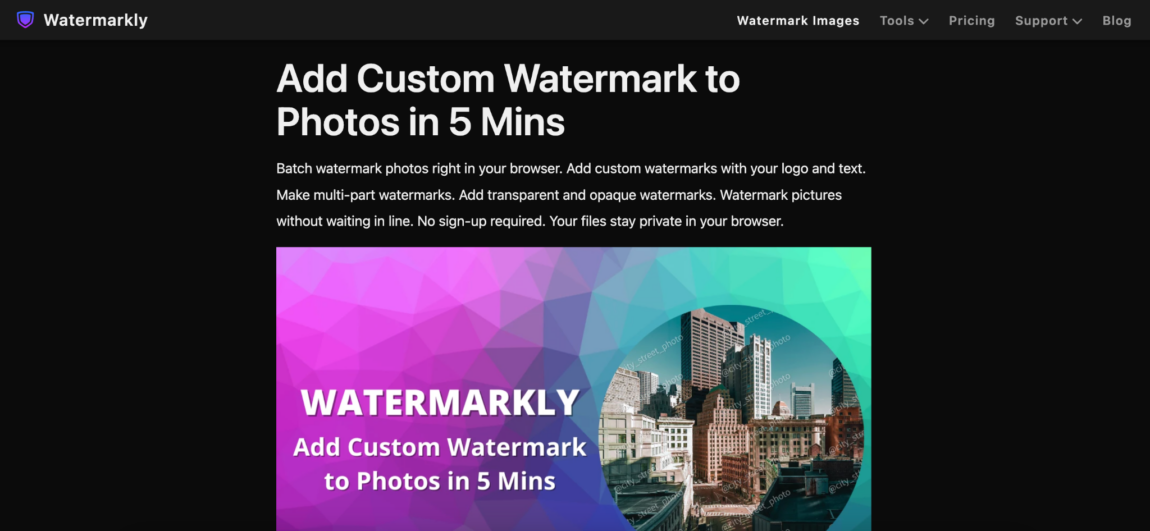
Watermarkly works especially well for confidential watermarking because the process stays fast enough that people actually keep using it.
That sounds small until you watch how many companies quietly abandon document protection workflows that feel overly complicated.
The platform keeps the editing process straightforward. Upload the PDF, place the watermark, adjust the layout, and export the file.
The editor supports:
- Text watermarks
- Logo overlays
- Opacity controls
- Flexible positioning
- Rotation settings
- Font customization
- Repeating watermark patterns
One thing that helps specifically with confidential documents is placement flexibility. Companies often need overlays across multiple pages, diagonal layouts, subtle repeated patterns, or visible corner labels, depending on the type of file.
Watermarkly makes those adjustments feel visual instead of technical.
The platform works especially well for:
- Internal reports
- Financial documents
- Draft presentations
- Legal files
- Educational materials
- HR documentation
It also works smoothly across desktop and mobile devices, which helps teams handle documents remotely or review files outside the office.
The free version places Watermarkly branding on exported files, while the mobile app allows limited watermark-free exports after watching an ad.
3. iLovePDF
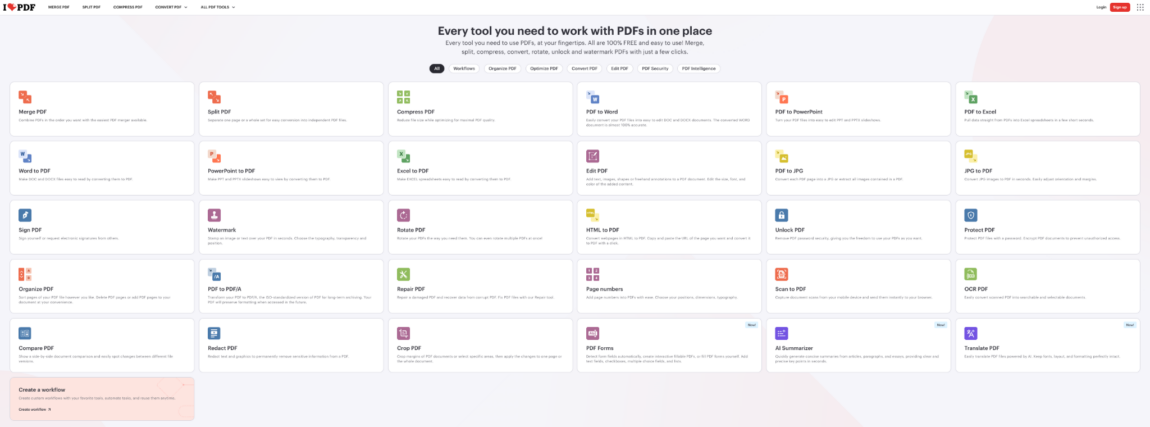
iLovePDF became widely used because it handles smaller document tasks quickly.
That convenience translates well into confidential watermarking, too.
A lot of employees already use iLovePDF for:
- Compressing files
- Merging documents
- Rearranging pages
- Converting formats
Adding confidential overlays inside the same workflow feels natural instead of requiring separate software.
The watermarking process stays simple:
- Upload the PDF
- Add text or image watermark
- Adjust placement
- Export the document
The platform includes:
- Text overlays
- Image watermarks
- Opacity controls
- Page selection tools
- Cloud integrations
The interface feels predictable, which helps employees handle quick document edits without slowing down.
4. Smallpdf
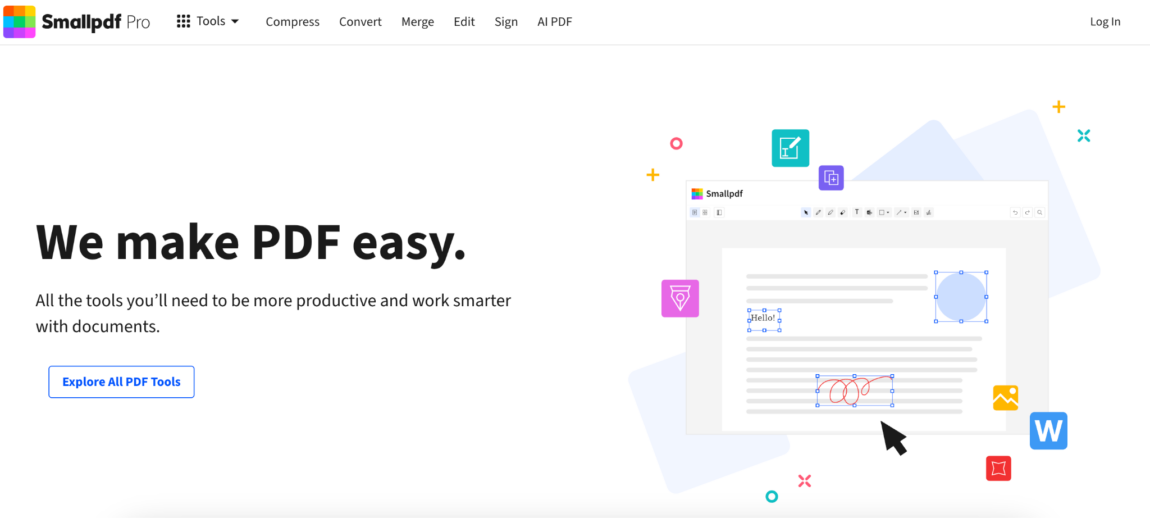
Smallpdf works especially well for confidential watermarking because the interface stays uncluttered.
That matters more than people expect.
Some PDF editors overload users with menus and advanced controls immediately after upload. Smallpdf keeps the workflow cleaner, which reduces mistakes during fast edits.
The editor allows adjustments for:
- Placement
- Transparency
- Rotation
- Scaling
Smallpdf also integrates smoothly with Google Drive and Dropbox, which helps businesses constantly move sensitive files through cloud storage systems.
The platform feels especially approachable for employees who only edit PDFs occasionally.
5. Soda PDF
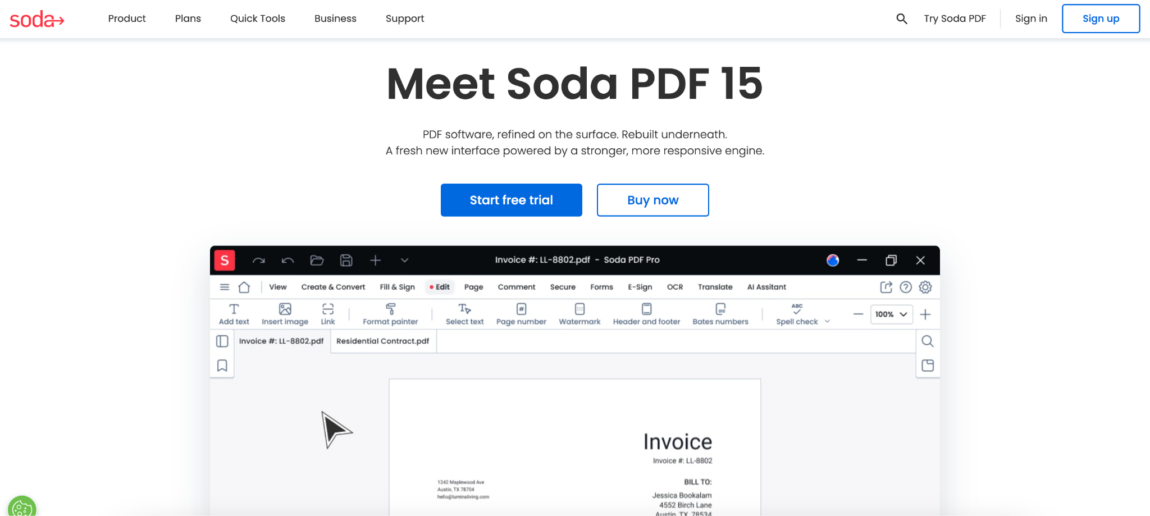
Soda PDF feels more office-oriented than lightweight browser editors.
That structure works especially well for businesses regularly handling confidential documentation.
The platform includes:
- Watermark templates
- Batch processing support
- Page targeting
- Document organization tools
- Cloud integration
Compared to minimalist editors, Soda PDF definitely feels heavier. At the same time, businesses managing large volumes of internal files often appreciate the additional organization once workflows become repetitive.
This is usually not the tool someone opens for a quick, casual edit.
It makes more sense for structured document handling environments.
6. PDFgear
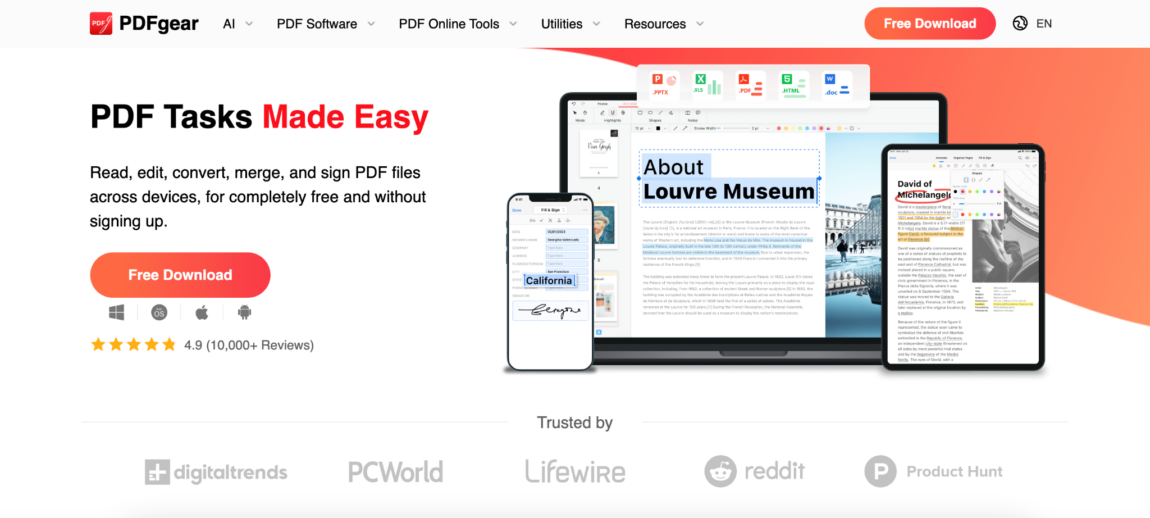
PDFgear became more visible recently among users searching for modern PDF editing software without overwhelming interfaces.
The watermarking tools include:
- Logo insertion
- Text overlays
- Transparency controls
- Font settings
- Page organization tools
Compared to older office-style PDF editors, PDFgear feels noticeably cleaner visually.
That helps when teams need to watermark files quickly without slowing down approval workflows or internal communication.
The platform also works across desktop and browser workflows, which gives businesses more flexibility depending on how employees handle documents.
7. Canva
Canva is not usually the first platform businesses think about for confidential watermarking.
Still, marketing teams and creative departments use it for that regularly.
Especially when dealing with:
- Draft presentations
- Internal design reviews
- Client mockups
- Branded reports
- Pitch decks
Canva gives much stronger visual control than traditional PDF editors. Typography feels cleaner. Overlay placement feels smoother. Branding consistency becomes easier to maintain across multiple files.
The downside is that Canva works better for design-heavy workflows than repetitive office processing.
8. PDF Candy
PDF Candy feels simpler than many office-oriented PDF platforms.
That simplicity actually helps for smaller confidential workflows.
The editor supports:
- Text watermarks
- Image overlays
- Opacity settings
- Rotation controls
- Size adjustments
A lot of users keep PDF Candy bookmarked because it handles quick PDF edits without requiring much setup or training.
Not every confidential document workflow needs enterprise software.
Sometimes teams simply need a fast way to mark a file clearly before sending it out.
Why confidential watermarks became normal in remote work
A few years ago, sensitive documents usually stayed inside office systems.
Now, PDFs move everywhere.
Employees open reports on phones, review presentations from tablets, forward contracts from personal laptops, and collaborate across multiple cloud platforms. The same file may pass through six different devices within one afternoon.
That shift changed how companies think about document visibility.
Even lightweight confidential overlays became valuable because they continuously remind people that the file is sensitive, no matter where it ends up opening.
Remote work made visual document labeling far more important than it used to be.
Confidential watermarking quietly became part of the internal company culture
This is something many businesses underestimate.
Over time, confidential overlays stop functioning only as technical labels. They become behavioral signals inside the company itself.
Employees start recognizing document categories instantly:
- Draft versions
- Internal-only materials
- Sensitive financial files
- Unapproved presentations
- Restricted reports
That visibility changes how people treat documents long before any formal security system becomes involved.
In many workplaces, watermarking functions partly as communication.
Final thoughts
The strongest document protection workflow means very little if employees avoid using it because the process feels annoying or overly technical.
That is one reason browser-based PDF editors became so common inside businesses. They reduce friction. Upload the file, place the overlay, export the document, and continue working.
Some platforms focus more on structured office workflows. Others lean toward visual flexibility or fast editing. Watermarkly stands out because the process feels simple enough to become part of everyday document handling instead of an extra complicated step afterward.
For most companies, consistency matters more than complexity. The best confidential watermark system is usually the one teams actually follow every day.




More Stories
4 Leading GEO Platforms for Building AI Citations and Trusted Sources
Which QR Code Generator Fits Your Marketing Strategy? 7 Tools Compared
7 AI Therapy Apps Trusted by an Expert